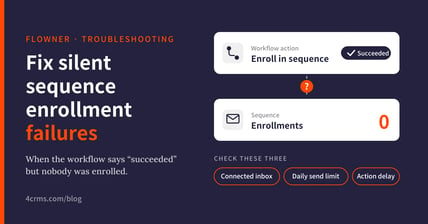
Tired of a workflow that says "Action succeeded" while your sequence shows zero enrollments? Most FlowNer enrollment problems come down to three things: the sender's connected inbox, HubSpot's daily send limit, and how a delay hides the real result. This guide explains each one and how to fix it.
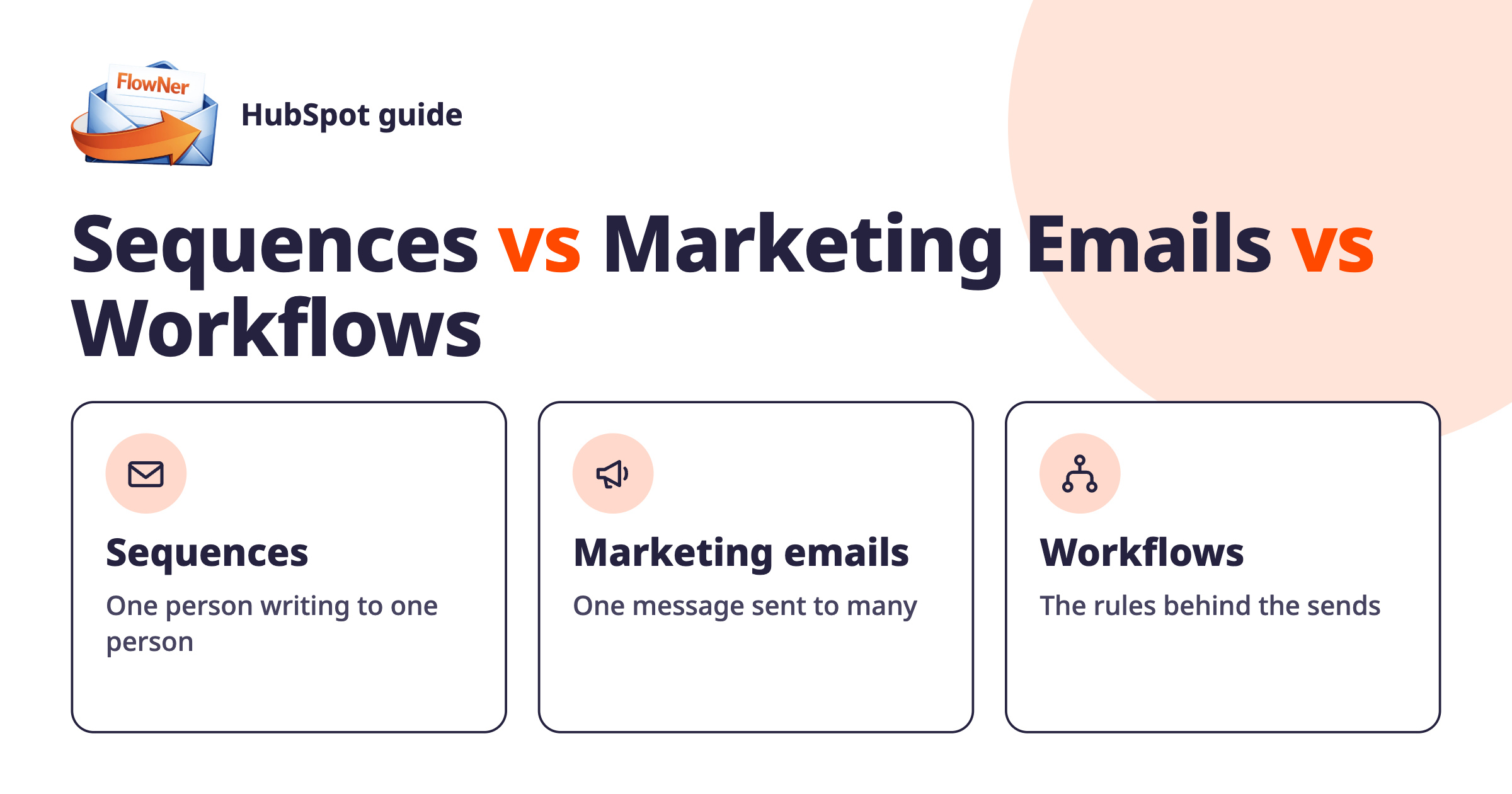
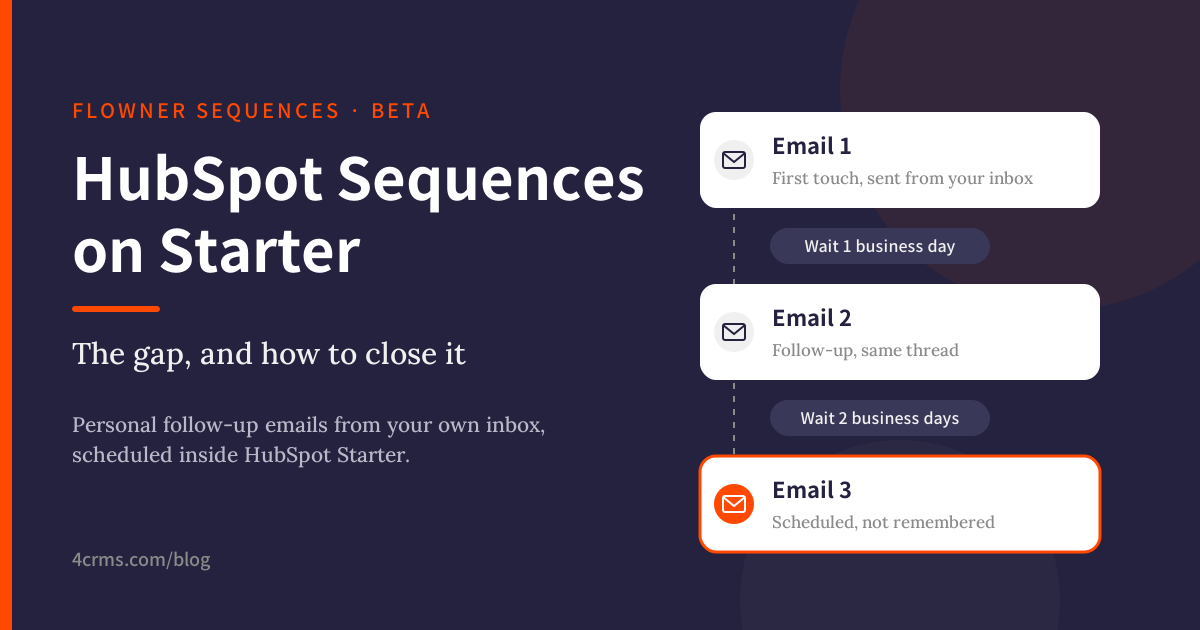
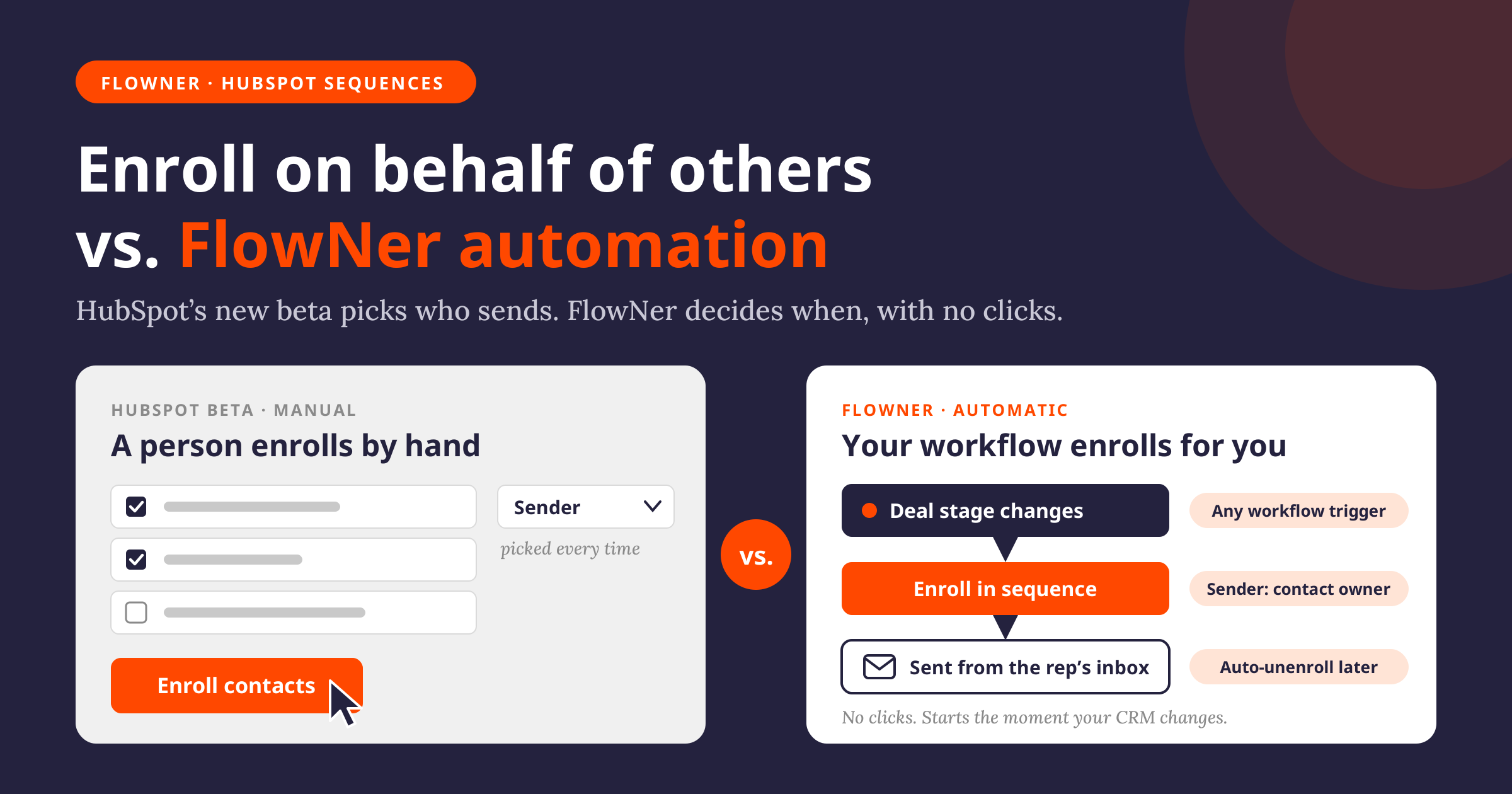
FlowNer by 4CRMs adds an "Enroll Contact in a Sequence" action to HubSpot workflows, so contacts are enrolled in sequences automatically instead of one by one. If you're new to it, start with HubSpot Sequence Automation: Enroll, Throttle, Unenroll.
Why does the workflow say "Action succeeded" when no contact was enrolled?
If the FlowNer action has a delay, the HubSpot workflow step completes as soon as FlowNer schedules the enrollment. The actual enrollment request goes to HubSpot after the delay. If HubSpot rejects it then, the rejection is not written back to the workflow history.
The real result is still recorded in two places:
- FlowNer Usage history lists every enrollment attempt and HubSpot's response.
- Error notification emails go to the addresses in FlowNer's Error Notification Settings. If no address is set, nobody is notified.
While you're testing, do two things:
- Set the delay to 0, or leave it empty. HubSpot then returns the real result straight away, and any rejection shows in the workflow history.
- Add at least one address in FlowNer's Error Notification Settings, so you're emailed whenever HubSpot rejects an enrollment.
What does "no connected inboxes for specified user email" mean?
HubSpot only accepts an API enrollment if the sender address is a connected inbox for that user. When the "From address" field in the FlowNer action is empty, FlowNer sends from the user's HubSpot login email.
This fails when a user's login email differs from their connected inbox, for example a login on one domain and an inbox on another. HubSpot then rejects the enrollment with an error like: User has no connected inboxes for specified user email, which are required in order to enroll from the public API.
To fix it with a specific user as the sender:
- In HubSpot, check which email address is connected as the user's inbox.
- In the FlowNer action, enter that address in the From address field.
- Make sure the sender has a HubSpot seat that includes sequences.
Quick check: if you can enroll the same contact manually from the sequence page and it sends from the expected address, that's the address to use in FlowNer.
What does "Daily template send limit reached" mean?
The sender has used up their HubSpot sequence email allowance for now. This limit is set by HubSpot, not by FlowNer, and FlowNer can't see a user's remaining count.
- HubSpot allows about 500 sequence emails per day per Sales Hub Professional user, or less if your portal has a custom daily limit.
- It's counted over a rolling 24 hours in both directions.
- It includes emails already scheduled from the user's existing enrollments, not only new ones.
When HubSpot returns this error, FlowNer holds back the remaining enrollments in that batch rather than sending requests HubSpot would also refuse.
To check a sender's allowance:
- Start enrolling a contact manually into the sequence. The Daily email limit indicator in the enroll window shows how many sends the user has left. If HubSpot asks you to pick another send day, the limit has been reached.
- Go to Settings → Data Management → Objects → Activities → Email Frequency Controls and check whether a custom daily send limit is set.
HubSpot explains the details in its sales email send limits article. For pacing large volumes, see Optimizing HubSpot Email Sequences: Throttling Tips.
Why does the action log show ?
That's only how the step label looks when the delay field is empty. It isn't an error and doesn't cause a failure. Enter a number, or 0, and the label shows the value.
Does FlowNer work with a list-membership trigger?
Yes. Any contact-based trigger works, including "contact joins a list".
How do I retry contacts that failed?
Fix the cause first (sender inbox or send limit), then enroll those contacts in the workflow again manually. Contacts already on the list won't be picked up again by a list-membership trigger on their own, even with re-enrollment switched on.
Can I send as each contact's owner?
Yes, Contact Owner as the sender is available on the Starter plan. Plan for two things before rolling it out to a sales team:
- Each rep's sending address. FlowNer sends from each owner's HubSpot login email, and that address must be a connected inbox. A rep whose login differs from their inbox will be rejected. The From address field applies one address to every owner, so it can't fix this for Contact Owner.
- Daily send limits per rep. HubSpot's limit applies to each user separately, so spreading enrollments across several reps gives you much more room than one sender.
Which FlowNer plan do I need?
- Free: 100 enrollments in total (one-time), with a specific user as the sender.
- Starter: $29/month, or $19/month billed yearly. Up to 1,000 enrollments per month, plus Contact Owner as the sender.
Expecting more than 1,000 enrollments a month? Contact 4CRMs with your expected volume and we'll go through the options.
Ready to automate enrollments from your workflows?
Install FlowNer from the HubSpot Marketplace.
Quick test checklist
- The sequence is shared with the sender, or with everyone.
- The sender has a sequences seat and a connected inbox.
- The connected inbox address is in From address if it differs from the user's login.
- You checked the Daily email limit in HubSpot's manual enroll window.
- The FlowNer delay is set to 0.
- An address is set in FlowNer's Error Notification Settings.
- You enrolled one contact and checked the workflow history for a successful enrollment or HubSpot's exact rejection reason.
Still stuck? Email support@4crms.com with your portal ID, workflow ID, sequence name and the time of the test, including your time zone. That lets the team find the request in the FlowNer logs quickly.