HubSpot vs. Creatio Compared: Key Strengths, Differences, and Business Use Cases
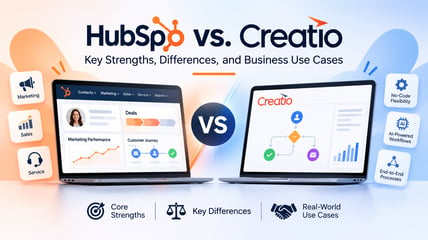
Explore how HubSpot and Creatio manage customer relationships, automate daily work, and embed AI across real business processes.
What makes a CRM work well for a business? Is it how teams manage customer interactions, how much manual work they can automate, or how easily they can adjust workflows as their needs change?
HubSpot and Creatio both cover the essentials: contact management, deal tracking, marketing, customer service, and automation. But checking the same boxes on a feature list doesn't mean the platforms work the same way. The differences show up in how teams set up workflows, move customer data between departments, and handle tasks that don't fit a standard process.
So let’s take a closer look at HubSpot vs Creatio: what each platform does well, how they approach AI, and how their tools support common CRM workflows.
What Are HubSpot's Key Strengths?
HubSpot is a popular choice among growing businesses, often serving as their first CRM. Teams can start with free CRM tools to organize contacts, track deals, and manage customer interactions, then add more functionality as their needs develop. Its straightforward interface, extensive learning resources, and connected tools have helped make HubSpot a familiar name in the CRM market.
Unified Marketing, Sales, and Customer Service Tools
HubSpot brings marketing, sales, and customer service together through Marketing Hub, Sales Hub, and Service Hub, all connected to a shared HubSpot CRM. This gives teams access to customer information and interaction history across different stages of the customer journey.
For example, a sales rep can see which campaigns a prospect engaged with before reaching out. When that prospect becomes a customer, the support team can access relevant account details and previous interactions without having to request the information from sales.
Beyond these core products, HubSpot offers Content Hub for creating and managing digital content, Data Hub for connecting and managing customer data, and Commerce Hub for handling quotes, payments, and other commerce-related activities. Together, these tools let businesses manage more of their customer-facing work within the HubSpot ecosystem.
Marketing Automation and Sales Engagement
HubSpot started as an inbound marketing platform, and marketing remains one of its strongest areas. Over the years, it has expanded from tools for attracting and nurturing leads into a broader platform that connects marketing campaigns with sales activities.
For marketers, the main advantage is having campaign execution, lead management, and performance tracking in one place. Teams can create landing pages and email campaigns, segment audiences based on CRM data, set up automated nurturing workflows, and track which activities generate leads and contribute to sales.
The connection with Sales Hub makes the handoff easier to manage. When a lead meets certain qualification criteria, HubSpot can assign them to a sales rep, create a follow-up task, and keep their engagement history available in the CRM. Sales teams can then use email templates, meeting scheduling, and sequences to manage outreach.
A Broad App Marketplace and Partner Ecosystem
HubSpot's App Marketplace offers integrations for marketing, sales, customer support, accounting, and productivity tools. Businesses can connect their existing applications, synchronize data, and extend HubSpot's native functionality.
HubSpot also has a broad network of solutions and technology partners that provide specialized apps, integrations, and implementation support. This is particularly useful for teams that need functionality beyond HubSpot's native tools. However, since integration capabilities vary, teams should check which data and workflow actions each app supports.
What Are Creatio's Key Strengths?
Founded in 2014, Creatio initially focused on CRM and business process automation, with no-code development becoming a central part of its platform. Today, the company places greater emphasis on human-AI agent collaboration, combining CRM applications, workflow automation, no-code tools, and AI agents to support how employees work across departments.
An AI-Native Platform for CRM and Workflows
Creatio brings sales, marketing, and customer service together through Creatio Sales, Creatio Marketing, and Creatio Service. These applications run on a shared platform, allowing users to switch between them and access customer data, workflows, and AI capabilities.
One of Creatio's strengths is coordinating processes that involve several departments. For example, when a deal reaches the contracting stage, a workflow can involve legal for contract review, finance for approval, and operations for order processing. Each team can complete its assigned tasks while keeping the process connected to the customer record.
This is particularly useful for organizations with complex customer journeys, where multiple teams need to coordinate approvals, responsibilities, and handoffs.
No-Code Configuration and Application Development
Creatio Business Studio provides visual tools and coding agents for configuring CRM applications, designing interfaces, modifying data models, and building automated workflows.
For businesses with specialized requirements, the main advantage is the ability to adapt applications to existing processes. For example, a company with several sales divisions can configure different qualification criteria, deal stages, and approval rules for each team without maintaining separate CRM systems.
Organizations can also develop apps beyond CRM, such as employee onboarding or internal request management. While many changes can be made without traditional coding, users unfamiliar with no-code development may need training, and more complex implementations can require technical expertise.
AI Agents Across Customer and Operational Workflows
Creatio offers ready-to-use AI agents that support employees across sales, marketing, service, and other business functions. Creatio AI Twin acts as a central assistant, allowing users to make requests in natural language, coordinating the agents and workflows needed to complete them, and helping users create custom agents for specific tasks.
In sales, AI agents can research accounts, prepare for meetings, and update CRM records. Marketing agents can assist with lead qualification and campaign activities, while service agents can classify incoming cases, retrieve relevant information, and support request resolution.
A key strength is the ability to use agents within broader business workflows, including processes that involve multiple steps, departments, or systems. Organizations can configure agents for their specific requirements and define which actions they can perform independently and when employees need to review or approve their work.
HubSpot Breeze AI vs. Creatio AI Studio: How They Approach AI
HubSpot and Creatio both offer AI assistants, ready-to-use agents, and tools for building custom agents. Breeze is HubSpot's broader AI offering, while Creatio AI Studio is a dedicated environment for developing and managing AI agents within Creatio's platform. Their capabilities overlap, but they serve different roles in their respective AI ecosystems.
HubSpot Breeze AI
HubSpot integrates AI into its marketing, sales, and customer service tools. Its main capabilities include:
- Breeze Assistant: A conversational assistant that helps employees research accounts, summarize CRM records, prepare meeting briefs, create content, and build agents or workflows using natural-language instructions.
- Breeze AI agents: Specialized agents available through Agent Hub that handle tasks such as prospect research, customer inquiries, marketing content creation, and data research.
- Breeze Intelligence: Data enrichment and buyer-intent capabilities that help teams fill gaps in customer records, identify buying signals, and prioritize outreach.
- Agent Builder (formerly Breeze Studio): No-code tools for creating and customizing agents using CRM data, company knowledge, and business-specific instructions.
These capabilities support different stages of customer-facing work, from identifying potential buyers and preparing outreach to responding to support requests and maintaining CRM records.
Creatio AI Studio
Creatio AI Studio provides tools for building, deploying, and managing AI agents across CRM and business workflows. Creatio also offers AI Twin, a conversational assistant that coordinates agents and helps employees create personal agents using natural-language instructions. The core capabilities of the AI Studio include:
- No-Code Agent Designer: Allows teams to build, test, and customize enterprise AI agents using natural-language prompts and visual tools.
- Coding Agent SDKs: Support agent development that requires custom logic, specialized functionality, or more complex integrations.
- Open integrations: Connect agents to company data, business applications, and workflows through APIs, webhooks, and MCP.
- Omnichannel deployment: Allows agents to interact with employees and customers through chat, email, voice, and other channels.
- Agent management and governance: Provides tools to monitor agent activity, manage permissions, and set human approval requirements.
Companies can use AI Studio to build and manage agents for processes spanning different teams and systems, while employees can use AI Twin to automate tasks specific to their roles.
HubSpot vs. Creatio: 5 Real-World CRM Use Cases
A CRM's value often comes down to what happens between activities: who follows up with a lead, how a deal gets approved, or whether a support agent has the information needed to resolve a problem. Here's how HubSpot and Creatio can help teams manage five common situations.
Use Case 1: Managing Leads From First Contact to Sales Handoff
A software company receives 200 leads from a webinar and needs to identify which are ready for sales and assign them to the right reps. With HubSpot, marketers can prioritize attendees who requested a demo or clicked follow-up emails, then automatically route them to sales. In Sales Hub, reps can see what each prospect engaged with and use Breeze agents to research their company before reaching out.
With Creatio, teams can configure lead qualification and routing rules based on webinar engagement, product interest, region, or account size. Marketing AI agents can help score attendees, identify promising prospects, and assign them to the right sales reps. Reps can then review each lead’s activity and use the CRM Data Enrichment Agent to fill in missing account details before following up.
Use Case 2: Coordinating Sales Activities Across Multiple Teams
Let’s say a manufacturing company is negotiating a large B2B order, but the deal needs finance to approve payment terms and operations to confirm delivery capacity before it can close.
With HubSpot, reps can track the opportunity in a shared deal pipeline, keep emails, meeting notes, and tasks linked to the deal, and use workflows to notify finance and operations when their input is needed. Everyone involved can see the latest deal status and outstanding activities.
Companies can use Creatio’s AI-native platform to build an end-to-end workflow that connects sales, finance, and operations within one platform. When a deal reaches the negotiation stage, the process can automatically assign payment approval to finance and delivery checks to operations, track their decisions, and flag exceptions. Each team can complete its part of the process in Creatio, without switching between separate tools, while sales maintains visibility into the deal’s progress.
Use Case 3: Automating Repetitive CRM Tasks
CRM automation helps teams handle everyday tasks such as assigning leads, updating records, sending follow-up emails, and reminding reps about upcoming activities. HubSpot and Creatio both support these processes, with different areas of emphasis.
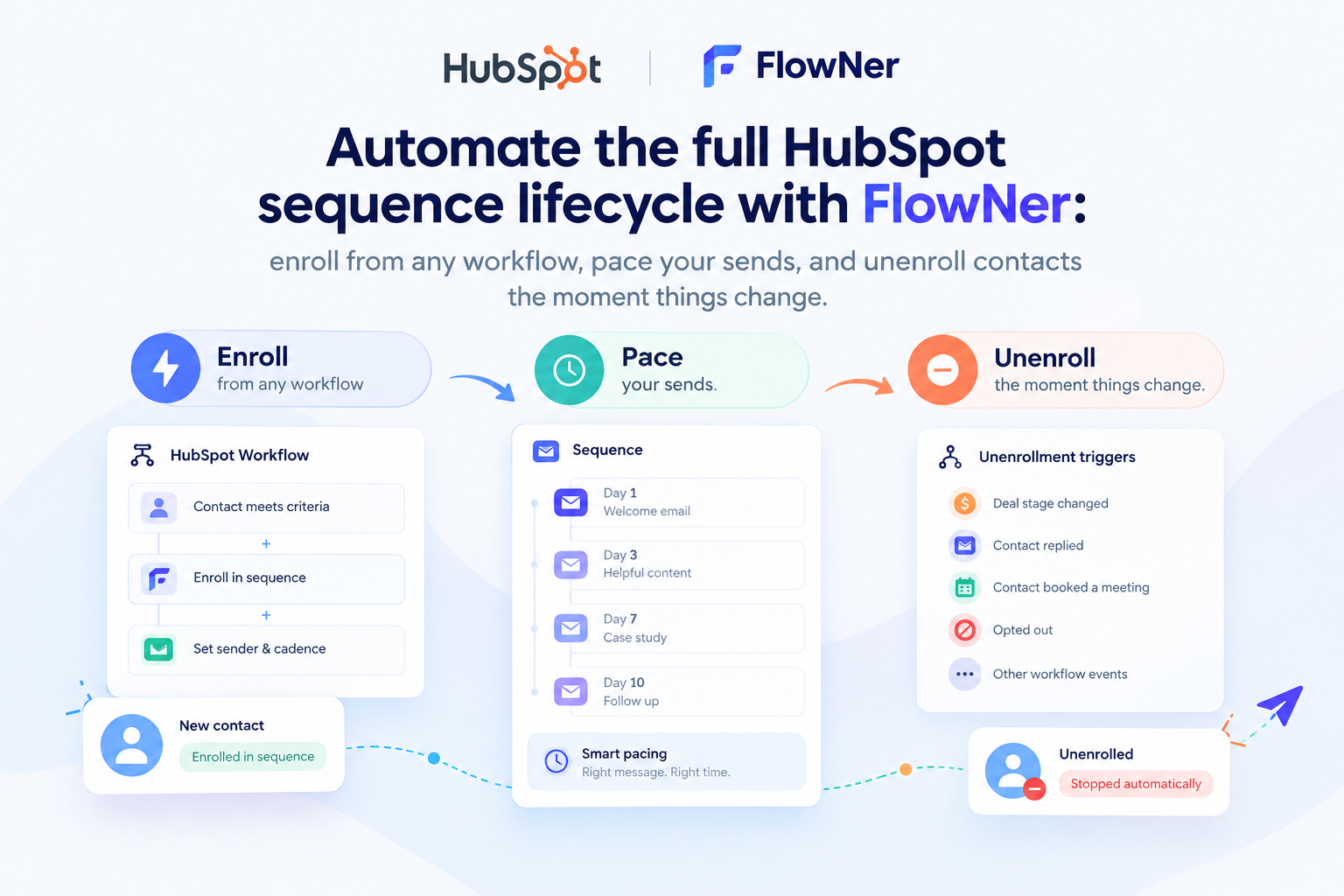
HubSpot offers workflows closely connected to marketing and sales activities. For example, when someone downloads a guide, Marketing Hub can enroll them in an email sequence. If they later request a demo, a workflow can assign the lead to a sales rep, update their CRM record, and create a follow-up task. Breeze agents can also help research prospects and prepare outreach.
Creatio puts no-code process design at the center of its platform, allowing teams to connect CRM activities with broader business operations. For example, when a deal reaches the proposal stage, a workflow can assign quote preparation, request discount approval if needed, and notify the sales rep once the proposal is ready. AI agents can help retrieve account information, update CRM records, and prepare documents, leaving approval decisions to employees.
Use Case 4: Supporting Customers After the Sale
A customer reports a recurring technical issue. The support team needs to review previous interactions, identify the problem, and involve a specialist if the first response doesn't resolve it.
HubSpot Service Hub brings customer history, tickets, and support conversations into a shared help desk. Teams can automate ticket assignments and escalations, and Breeze Customer Agent can answer common questions or hand more complex issues to a human agent with the conversation context.
For companies managing more structured service processes, Creatio Service allows teams to configure case routing based on issue type, priority, or service-level agreements. AI agents can classify requests and retrieve relevant knowledge, with workflows escalating unresolved cases to the appropriate specialists.
Use Case 5: Extending CRM Into Other Business Systems
Customer information rarely stays in one system. Sales teams may work in the CRM, finance in accounting software, and operations in an ERP, making it important to keep records synchronized and pass information between applications.
For HubSpot users, the App Marketplace offers ready-made connections to popular ERP, accounting, e-commerce, and support tools. Teams can synchronize customer and transaction data, access information from connected applications, and trigger CRM workflows when records change. Creatio supports similar integrations through connectors and APIs, with a focus on incorporating external systems into configurable business processes. Teams can coordinate CRM activities with order processing, approvals, and other operational workflows. The goal is to keep information consistent across systems and ensure teams have the data they need without switching between applications.
5 Questions to Ask When Evaluating HubSpot and Creatio
The right CRM depends on how your business operates and what you expect the platform to handle. These questions can help clarify which approach better fits your needs.
- Do we primarily need to connect marketing, sales, and service, or coordinate processes across more departments? HubSpot is worth exploring for connected customer-facing workflows, while Creatio is particularly relevant when CRM processes extend into finance, operations, and other business functions.
- Will standard CRM workflows meet our needs, or do we expect to build our own? Consider HubSpot if your priority is getting established sales and marketing processes running quickly. Explore Creatio if you need extensive control over workflows, data models, and custom applications.
- Are ready-made integrations enough, or do we need to coordinate work across connected systems? HubSpot's broad App Marketplace is useful when connecting popular business tools. Creatio's no-code process design is worth evaluating when integrations form part of larger, multi-step workflows.
- Where do we want AI to work? If your priorities include prospect research, content creation, and customer support within CRM activities, examine HubSpot Breeze. If you plan to build and manage agents for custom processes across departments and systems, explore Creatio AI Studio.
- Who will own CRM changes as the business grows? Consider whether your team prefers managing established CRM tools and integrations or wants to design and maintain more tailored applications and workflows. Test both platforms with the people who will administer them, not only those who will use them.
The Takeaway
HubSpot and Creatio can both manage leads, sales pipelines, customer service, and the workflows around them. HubSpot's strengths lie in its connected marketing, sales, and service applications, customer engagement tools, and extensive integration ecosystem. Creatio takes a broader process-oriented approach, combining AI-native CRM with no-code tools for building applications and automating work across departments.
The deciding factor becomes clearer when businesses look beyond feature lists. A team focused on managing campaigns, sales outreach, and customer interactions may prioritize different capabilities than one coordinating approvals, internal operations, and custom workflows. The best way to evaluate either platform is to test it against the processes your teams use today and expect to develop over time.
FAQ
- What is the main difference between HubSpot and Creatio?
HubSpot brings marketing, sales, and customer service into one CRM, with tools for customer engagement and a large integration marketplace. Creatio puts more emphasis on tailoring CRM and business workflows through no-code tools, with employees and AI agents working together on tasks that span different departments.
- Can both HubSpot and Creatio support custom CRM workflows?
Yes. HubSpot lets teams build custom workflows with triggers, conditions, and actions for tasks such as lead routing, deal approvals, and customer follow-ups. Creatio offers deeper no-code customization of workflows, data models, and applications, allowing teams to tailor more complex processes across departments and external systems.
- How can businesses compare HubSpot and Creatio before implementation?
Start with the processes your teams already run, not a list of CRM features, and map out how a lead becomes an opportunity, how deals get approved, and how support requests are escalated. Then check what each platform can handle out of the box, what needs configuration, and which integrations are required.
- What should teams test during a CRM demo?
Ask both vendors to demonstrate a workflow relevant to your business, covering CRM activities and operational steps such as approvals, exception handling, and notifications. Check how easily employees can complete their tasks and administrators can adjust the process.