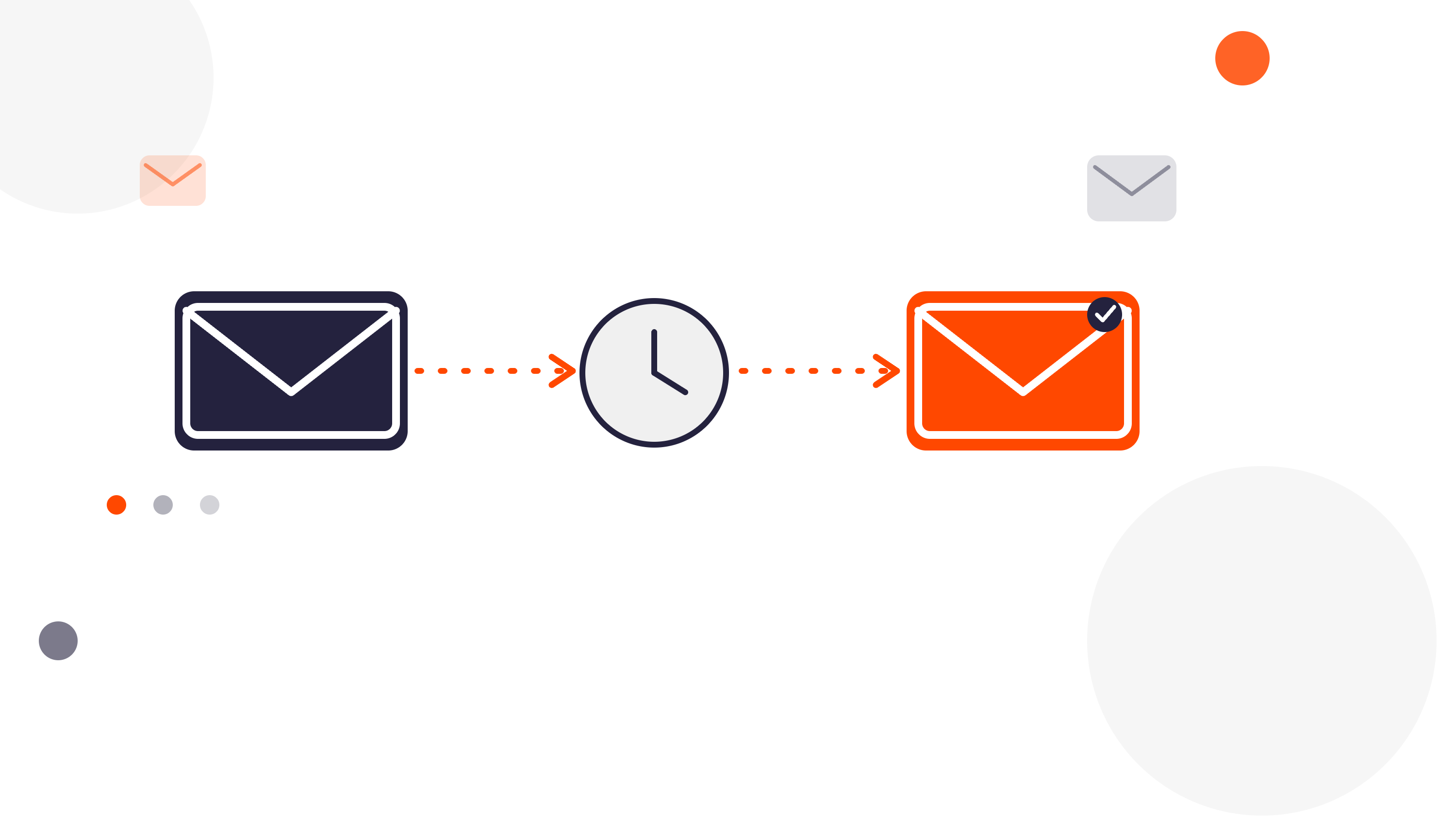

If you automate outreach in HubSpot, duplicate contacts can quietly break the process.
The workflow may run. The sequence may trigger. The sender may be correct.
But if the wrong duplicate gets enrolled, the result is still a bad experience. That is why contact deduplication should come before sequence automation.
For HubSpot admins, RevOps teams, and HubSpot partners, this is a practical two-part process:
- use Koalify to identify and merge duplicate contacts
- use FlowNer to enroll the correct contact into the right sequence automatically
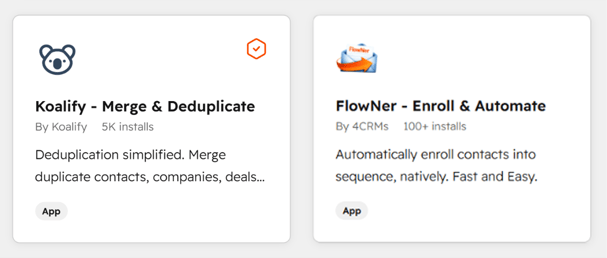
That combination gives you something much more useful than automation alone.
It gives you cleaner data and better outreach execution.
Why duplicate contacts create automation problems
Duplicate contacts are not just a reporting issue.
They are also an execution problem.
In many HubSpot portals, the same person appears more than once because of:
- multiple form submissions with different email variations
- imports from separate systems
- sync issues between tools
- sales reps creating records manually
- incomplete cleanup after migration or enrichment
At first, this may look like a simple CRM hygiene issue.
But once you start automating follow-up, duplicate contacts create operational risk.
You might end up with situations like:
- the wrong contact record is enrolled in a sequence
- one duplicate gets enrolled while the better record stays untouched
- the same person receives overlapping outreach from separate records
- sender ownership is assigned to the wrong rep
- activity history gets split across records, making automation logic less reliable
That is when duplicate contacts stop being a nuisance and start affecting pipeline performance.
Why this matters even more when you automate sequence enrollment
Manual sequence enrollment is already prone to mistakes.
Automation increases consistency, but it also increases the cost of bad data.
If your workflow logic is built on duplicate contacts, you are not really scaling a clean process.
You are scaling confusion.
That is especially true when:
- multiple contact records exist for the same buyer
- one record has the right owner but the wrong email
- one record has the right email but outdated lifecycle data
- one duplicate is associated with the deal and another is not
- follow-up depends on the contact record that happened to trigger the workflow first
In that kind of setup, the question is not only whether the workflow works.
It is also whether the right person record is being used for outreach.
That is why the order matters:
- clean up duplicate contacts
- then automate sequence enrollment
Why use Koalify first
Koalify fits naturally into this process because it solves the problem before the workflow reaches the outreach step.
Its role is not to send emails or manage sequence logic.
Its role is to make sure your HubSpot contact data is clean enough that automation can trust it.
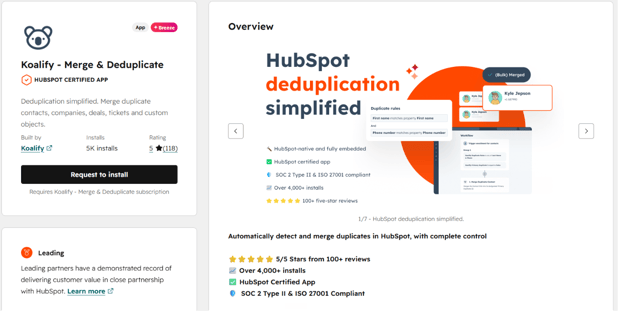
That matters because deduplication helps you:
- reduce the chance of enrolling the wrong record
- consolidate history before outreach starts
- preserve cleaner ownership and associations
- reduce duplicate messaging to the same person
- improve confidence in downstream workflow logic
For admins and partners, this is the difference between automation on top of messy data and automation on top of usable CRM records.
Where FlowNer fits after deduplication
Once the contact data is cleaner, FlowNer becomes the operational layer that turns that clean data into action.
FlowNer is built to automatically enroll and unenroll contacts in HubSpot sequences using workflows.
That means teams can trigger sequence enrollment based on workflow logic instead of relying on manual clicks.
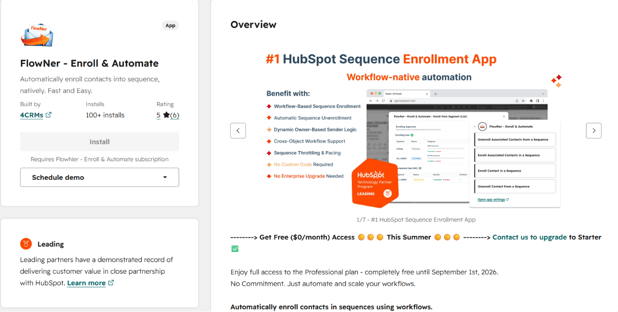
This is especially useful when sequence actions should happen after a specific business event, such as:
- a lead reaching a qualified stage
- a deal moving into a follow-up stage
- a contact meeting lifecycle or scoring criteria
- an owner change requiring new outreach
- an associated contact needing to enter a sequence from a deal or company workflow
Instead of asking a rep to remember the next step, the workflow handles it.
But that only works well if the contact record being enrolled is the correct one.
That is exactly why the cleanup step matters first.
The stronger story: clean the contact, then trigger the sequence
This creates a much stronger narrative for HubSpot admins and partners than talking about sequence automation alone.
The message is simple:
- Koalify helps make sure duplicate contacts do not undermine your process
- FlowNer helps make sure the right contact gets enrolled automatically once the data is clean
That is a more complete operational story.
It is not just:
- “how do we automate sequence enrollment?”
It becomes:
- “how do we make sure automation acts on the right contact record?”
That is a more valuable problem to solve.
Practical use cases for the Koalify + FlowNer combination
1. Post-import or post-migration cleanup
After importing contacts or consolidating data from another system, duplicate people records are common.
In that case:
- Koalify helps identify and merge overlapping contact records
- FlowNer can then automate the next follow-up sequence once the surviving record is ready
This reduces the risk of starting outreach from the wrong duplicate.
2. Lifecycle-based outbound automation
A team wants to enroll newly qualified leads into a sequence automatically.
That sounds simple.
But if multiple records exist for the same person, the workflow may enroll the incomplete or outdated version.
In that case:
- Koalify helps reduce duplicate contact noise
- FlowNer helps automate enrollment once the clean contact record reaches the right stage
3. Deal-based follow-up with associated contacts
Sometimes the buying signal happens on the deal, not the contact.
That is useful for automation, but it increases the risk that the associated contact selected for outreach is not the best record.
In that case:
- Koalify helps reduce conflicting duplicate contacts attached to the same company or deal context
- FlowNer helps enroll the correct associated contact from the workflow
4. Ongoing RevOps process improvement
For mature teams, this is not only about fixing a one-time issue.
It is about protecting process quality over time.
The more automation you add, the more important clean records become.
A duplicate contact today can become a broken customer experience tomorrow.
Why this matters for HubSpot partners
If you are a HubSpot partner, clients usually do not judge automation by whether the workflow technically fired.
They judge it by whether the process feels clean, accurate, and trustworthy.
If duplicate contacts lead to wrong enrollments, repeated outreach, or messy ownership logic, the workflow may still be “working” while the experience still feels broken.
That is why this pairing is so easy to position:
- use Koalify to reduce duplicate contact issues before automation runs
- use FlowNer to automate sequence enrollment once the correct record is in place
That gives partners a stronger story around data quality and execution, not just one isolated app use case.
Why this matters for HubSpot admins and RevOps teams
For admins and RevOps teams, the biggest risk is often not the workflow itself.
It is the trust gap that appears when users see automation acting on the wrong data.
If reps notice that:
- the wrong duplicate got enrolled
- the correct owner was bypassed
- the same buyer got multiple touches from different records
- activity is fragmented across contacts
then they stop trusting the CRM and start building manual workarounds.
That is why the right order matters so much.
First make the contact record trustworthy.
Then automate what happens next.
The takeaway
If you want to automate sequence enrollment in HubSpot, deduplication should not be treated as a separate cleanup task.
It is part of making that automation work properly.
Koalify helps clean up duplicate contacts so your team is working from a better record foundation.
FlowNer helps enroll the right contact into the right sequence using workflow logic instead of manual work.
That is the real value of the combination:
- Koalify for contact deduplication and cleanup
- FlowNer for workflow-based sequence enrollment and unenrollment
Clean first. Then automate. That is how you reduce errors, protect outreach quality, and make HubSpot automation more reliable.